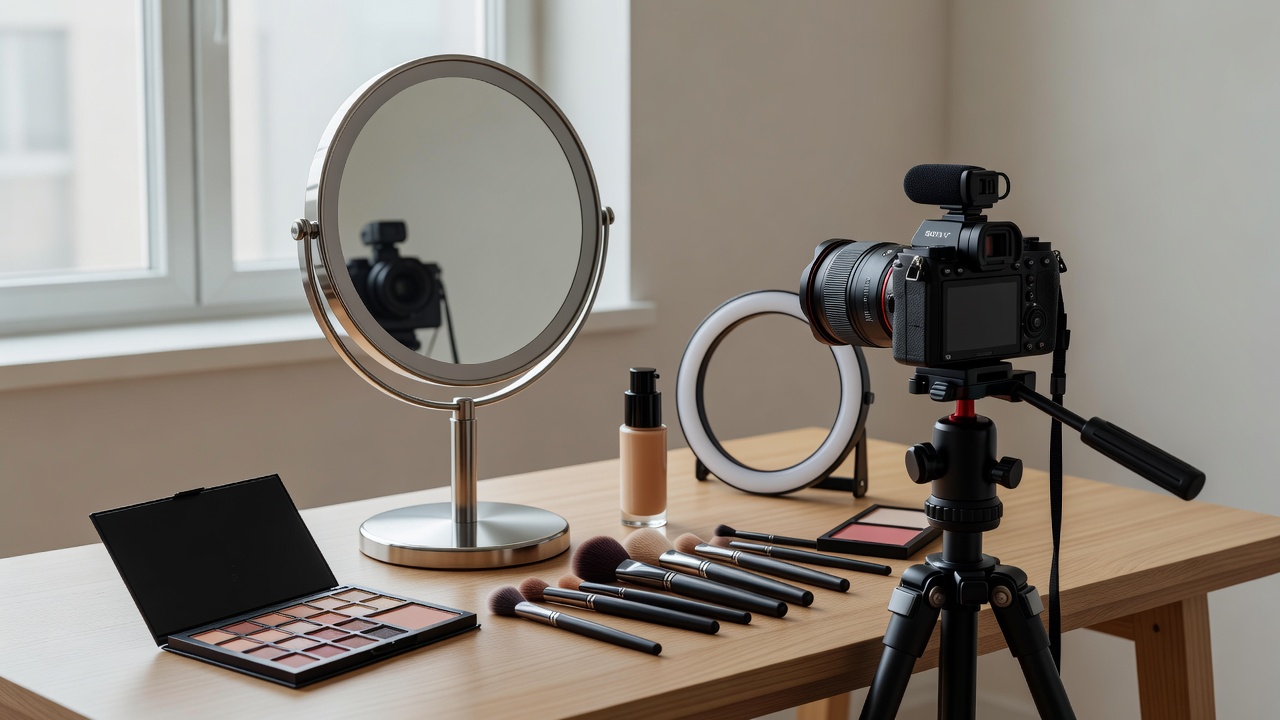
Give the session one clear purpose
Production becomes easier when you know what the viewer needs to see. A tutorial about blending requires a readable view of the brush meeting the skin. A finish comparison needs consistent light and a stable angle. A personal introduction needs a clear voice and a setting that does not compete with it. Write one sentence describing the useful outcome before choosing equipment, props or a location.
Turn that sentence into a short shot list. Include an establishing view, the essential action, a close detail and an honest finished result. If the content involves a wear test, record the conditions and timing rather than relying on memory. Do not present footage from different days as a controlled comparison unless you clearly explain those differences. A well-organised session should support the account you give later.
Understand the light you already have
A window can be a useful starting point. Place the subject so you can see how the light moves across the face, then adjust distance and angle. Direct sun produces a different description of texture from broad, indirect light. Neither is automatically more truthful in every context; the important point is to make the conditions appropriate to the claim and consistent across comparisons.
Switch off conflicting room lights when they introduce unwanted colour differences. A neutral card can help establish a reference, while a Calibrite ColorChecker offers a more structured colour target for workflows that support it. Neither removes the need for careful exposure, sensible editing or awareness that viewers’ displays vary. Avoid promising that an on-screen swatch will look identical on every device.
Stabilise the camera before upgrading it
An Apple iPhone or Google Pixel may be entirely adequate for a clear tutorial when the lens is clean, the framing is stable and the subject is well lit. A Canon EOS R50, Sony ZV-E10 or Nikon Z30 offers different controls and handling, but buying a camera does not resolve an unclear demonstration. Learn the equipment you have before treating a new body as a creative strategy.
Use a stable support, check the focus on the working area and make a brief test recording. Automatic exposure or white balance may change as a hand or product enters the frame; where your device allows it, locking those settings can help. Check the result rather than assuming the lock has solved everything. Keep stands secure, cables out of walking routes and electrical equipment away from liquids.
Before / Unrecorded setup
Move the lamp until it looks pleasant, then try to remember the position next week.
After / Working reference
Photograph the setup and note the light direction, distance, camera position and exposure choices.
Protect the explanation as well as the image
Record a short audio sample and listen through headphones. A quiet room and a microphone placed sensibly often matter more than a visually impressive set. If live application makes speech difficult, capture the demonstration first and record a truthful voice-over later. Keep the narration aligned with what the footage actually shows, including any steps that happened off camera.
Captions make the explanation available to more people and help when audio is unavailable. Review automatic transcription, especially shade names, ingredient names and product instructions. If music is used, check the relevant licence and platform rules for the specific account and commercial context. Availability inside an application does not necessarily grant unrestricted rights elsewhere.
Edit for legibility, not a different result
Cut pauses that obscure the explanation, but retain steps that affect the outcome. Do not accelerate a technique so aggressively that its pressure or timing becomes impossible to understand. Blackmagic Design’s DaVinci Resolve is one editing option; a simpler mobile editor may be enough. Choose a tool because it supports the work, not because its complexity looks professional.
Beauty-specific colour and texture need a conservative approach. Removing a temporary speck from the background is different from erasing the skin texture a foundation review claims to show. Note material adjustments and disclose filters or retouching when their effect matters to the viewer’s interpretation. Keep the original capture alongside the edited export.
- Confirm the question, shot list and comparison conditions.
- Check lens, framing, exposure, colour and sound.
- Capture a setup reference and a short test.
- Review captions, disclosures and visible product details.
- Back up originals, project files and final exports.
Finish with a usable archive
Name files by project and content rather than leaving every clip as an unexplained camera number. Store originals separately from exports and keep another copy on a different storage location where practical. A small session log should record product details, permissions, test conditions and disclosure requirements. The aim is not administrative perfection. It is being able to answer a reasonable question about how an image was made.